
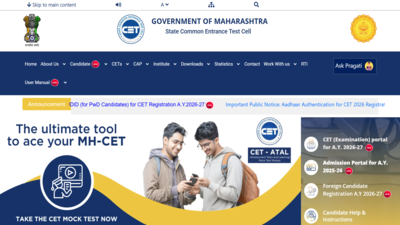
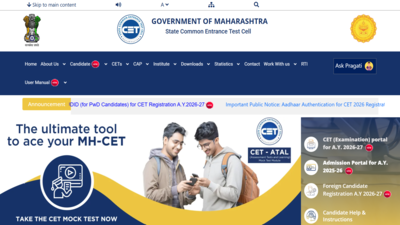
MHT CET admit card 2026: The State Common Entrance Test Cell, Maharashtra, has made the admit card available for those taking part in the PCM section of the MHT CET 2026 test. Those who have already registered for the test can log in to the website cetcell.mahacet.org using their personal login details to download their hall tickets. With the issuance of the hall ticket, it clears several doubts for thousands of students preparing for undergraduate courses in engineering, pharmacy, and agriculture.The MHT CET 2026 test will be held in two separate sessions, depending on the stream of the subjects selected. According to the schedule of the PCM section, Session 1 will be from April 11 to April 20, while session 2 will take place from May 12 to May 16.The exam shall take place on the computer screen, with each slot running for three hours. The paper for PCM candidates will be conducted separately from that for PCB candidates.This is an essential document for appearing for the MHT CET 2026 examination. This document contains important information such as the name of the candidate, photo, roll number, date of examination, time of shift, examination venue, group of subjects, etc.
MHT CET admit card 2026: Steps to download hall tickets
Candidates can follow the steps elucidated here to download the MHT CET admit card 2026 from the official website:
- Go to the official website: cetcell.mahacet.org
- Click on the link for “MHT CET 2026 Admit Card” available on the homepage
- Enter your registered email ID and password=
- Submit the details to log in
- Your admit card will appear on the screen
- Download the hall ticket and take a printout for future use
Alternatively, candidates can click on the link provided here to download the MHT CET admit card 2026.
MHT CET admit card 2026: What candidates should check on hall tickets
After downloading the admit card, candidates must carefully check the following details:
- Name and photograph
- Roll or application number
- Exam date and shift timing
- Examination centre address
- Subject group (PCM or PCB)
- Important instructions